Everything LexaClip Can Do
Ten features, one panel. From the moment you press Ctrl+C, they all work together.
Smart Detection
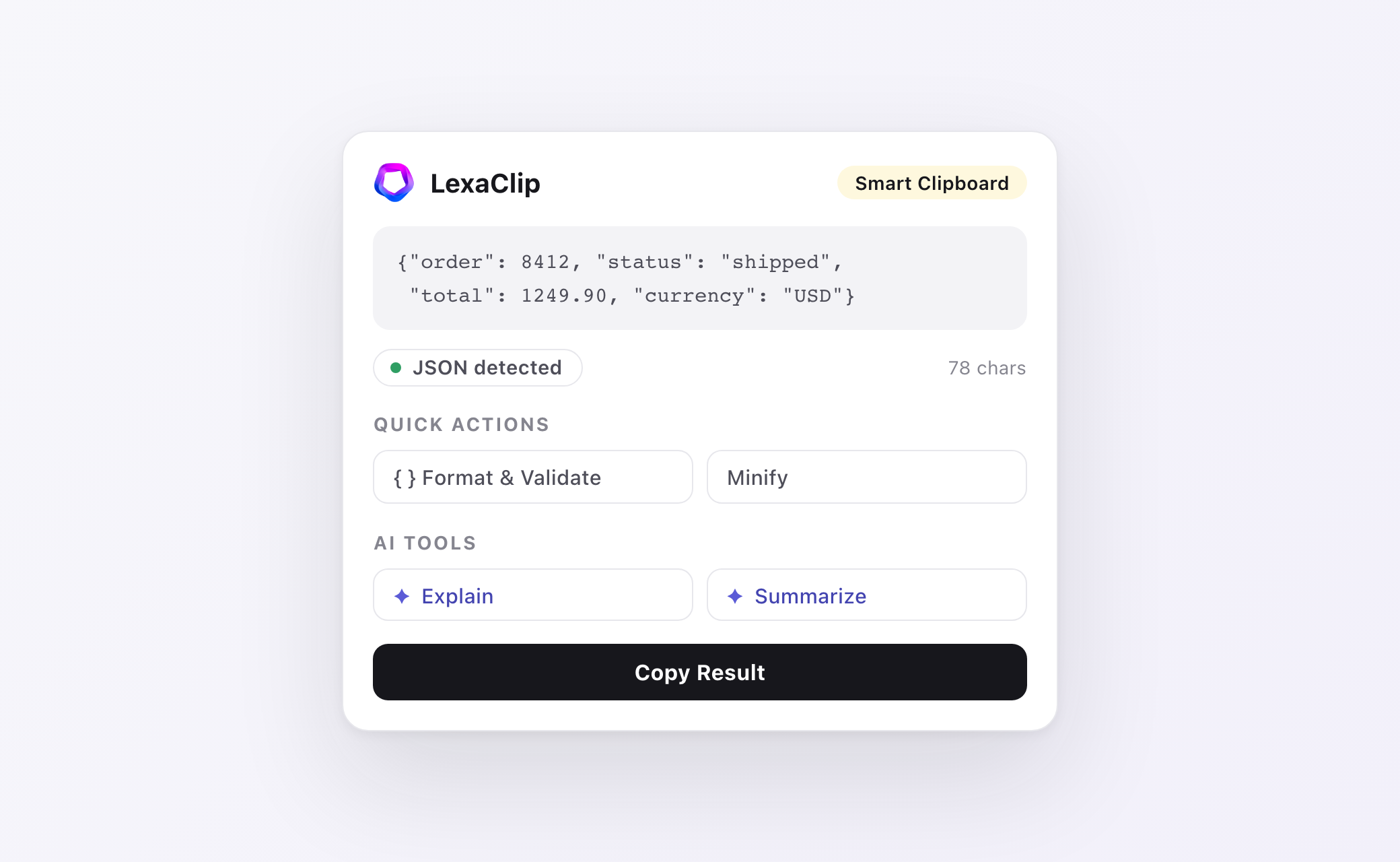
The moment you copy, LexaClip identifies what it is — JSON, URLs, HTML, Markdown, CSV, SQL, XML, code, emails, phone numbers, Base64 and plain text. Detection runs locally in milliseconds, so the right tools are already waiting before you even open the panel.
One-Click Transforms
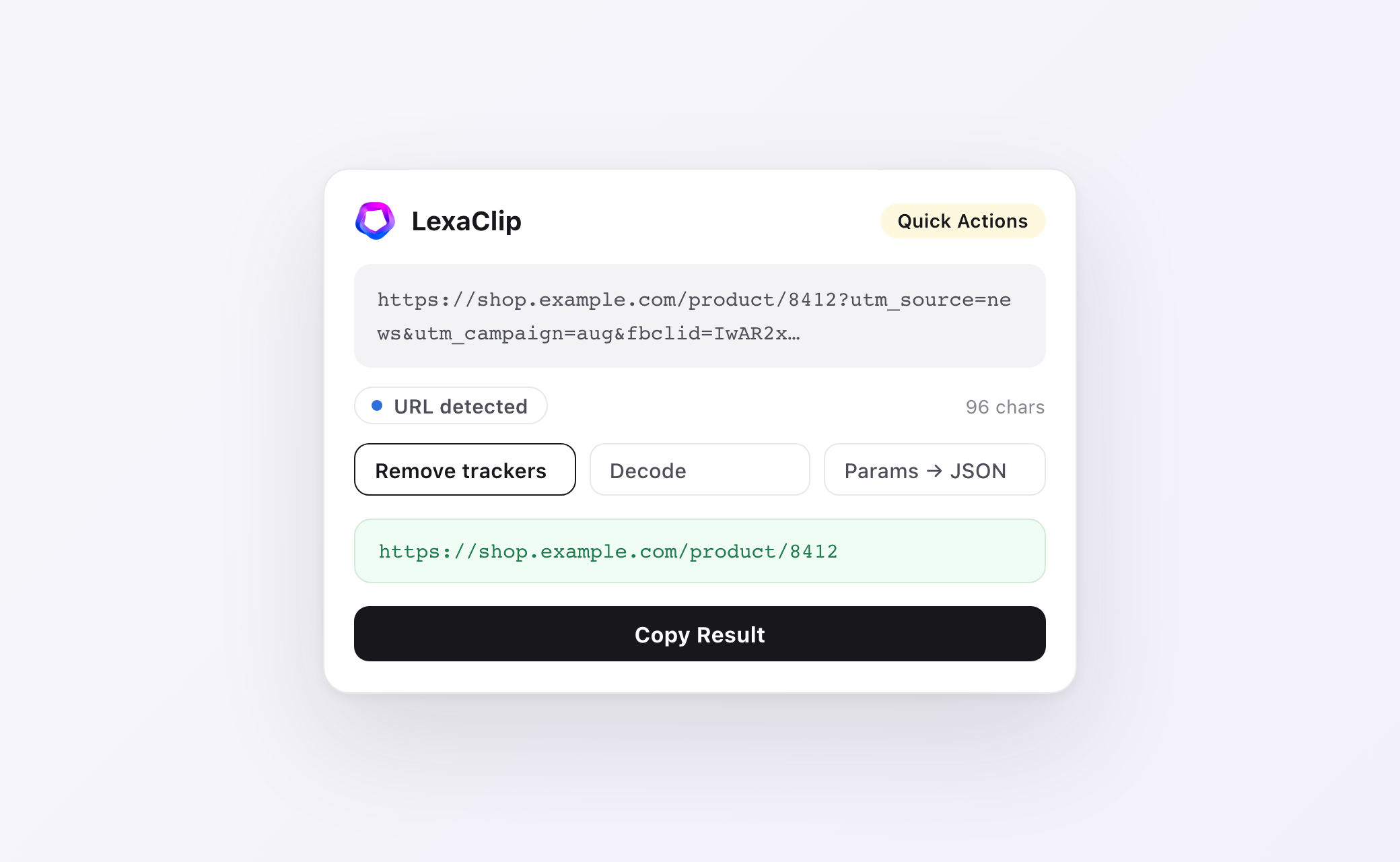
Over 40 local actions matched to the detected type: format and validate JSON, strip tracking parameters from URLs, encode and decode, clean whitespace, convert case, turn CSV into JSON, minify SQL — every result lands back on your clipboard in under 100 milliseconds.
Selection Toolbar
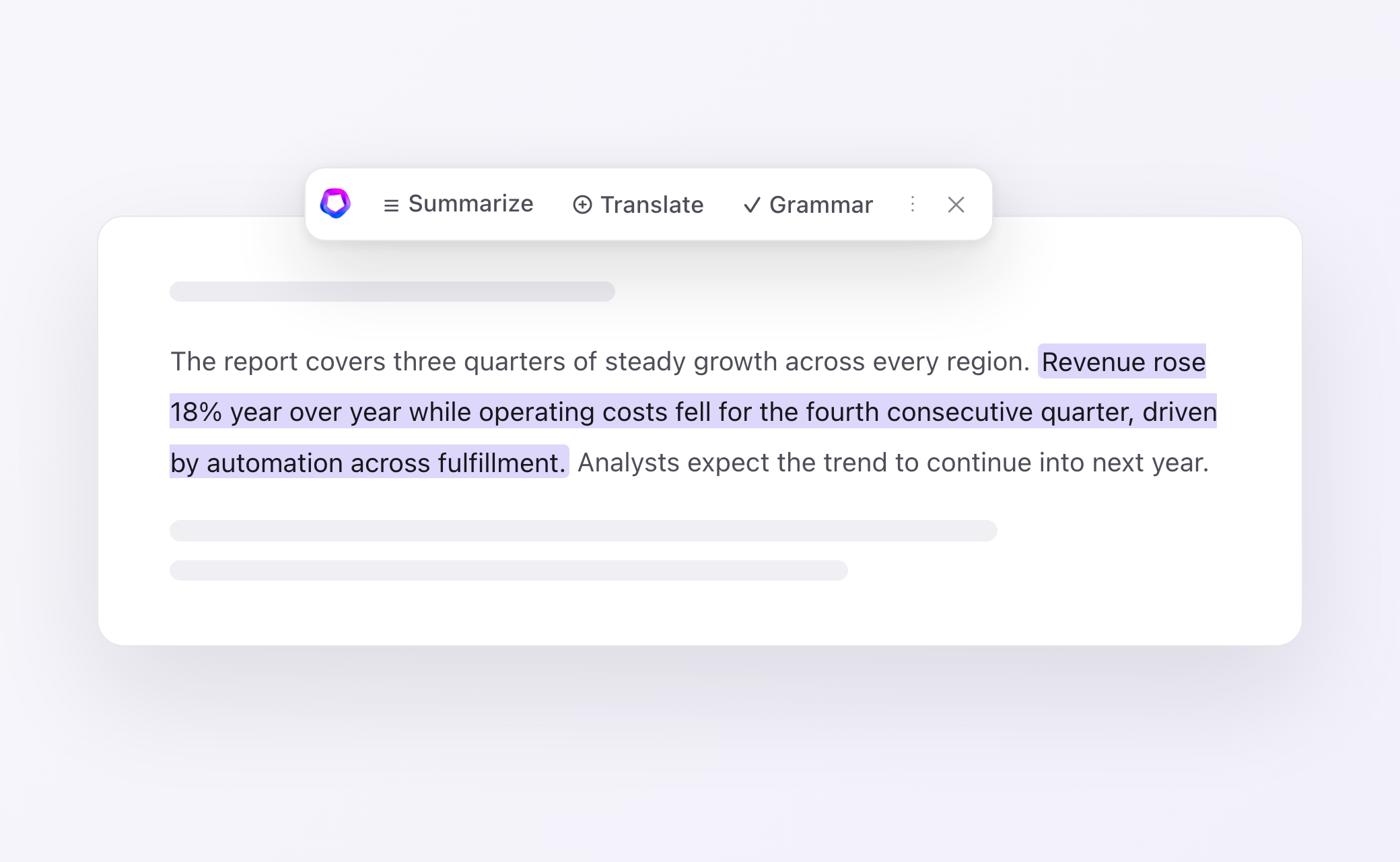
Highlight text on any page and a compact toolbar appears right above it: Summarize, Translate and Grammar up front, more behind the ⋮ menu. No tab switching, no copy-pasting into a chatbot — the answer opens in your side panel. You can switch the toolbar off anytime.
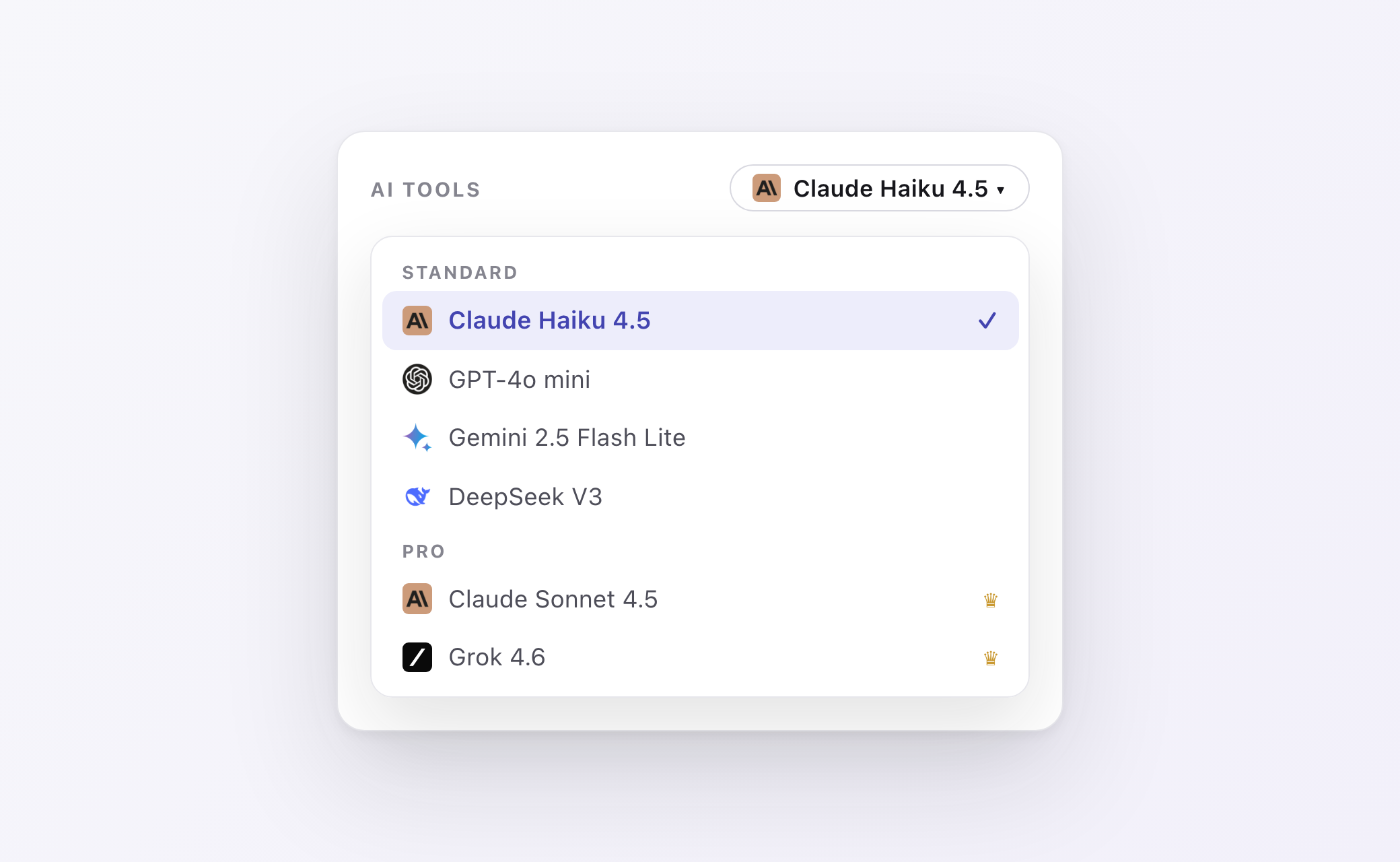
AI Rewrites — with the Model You Choose
Summarize, improve, humanize, fix grammar, translate, or reshape text for LinkedIn and email. Pick from nine models — Claude, GPT, Gemini, DeepSeek, Llama, Grok — in one dropdown. No API keys to paste, no separate subscriptions to juggle.
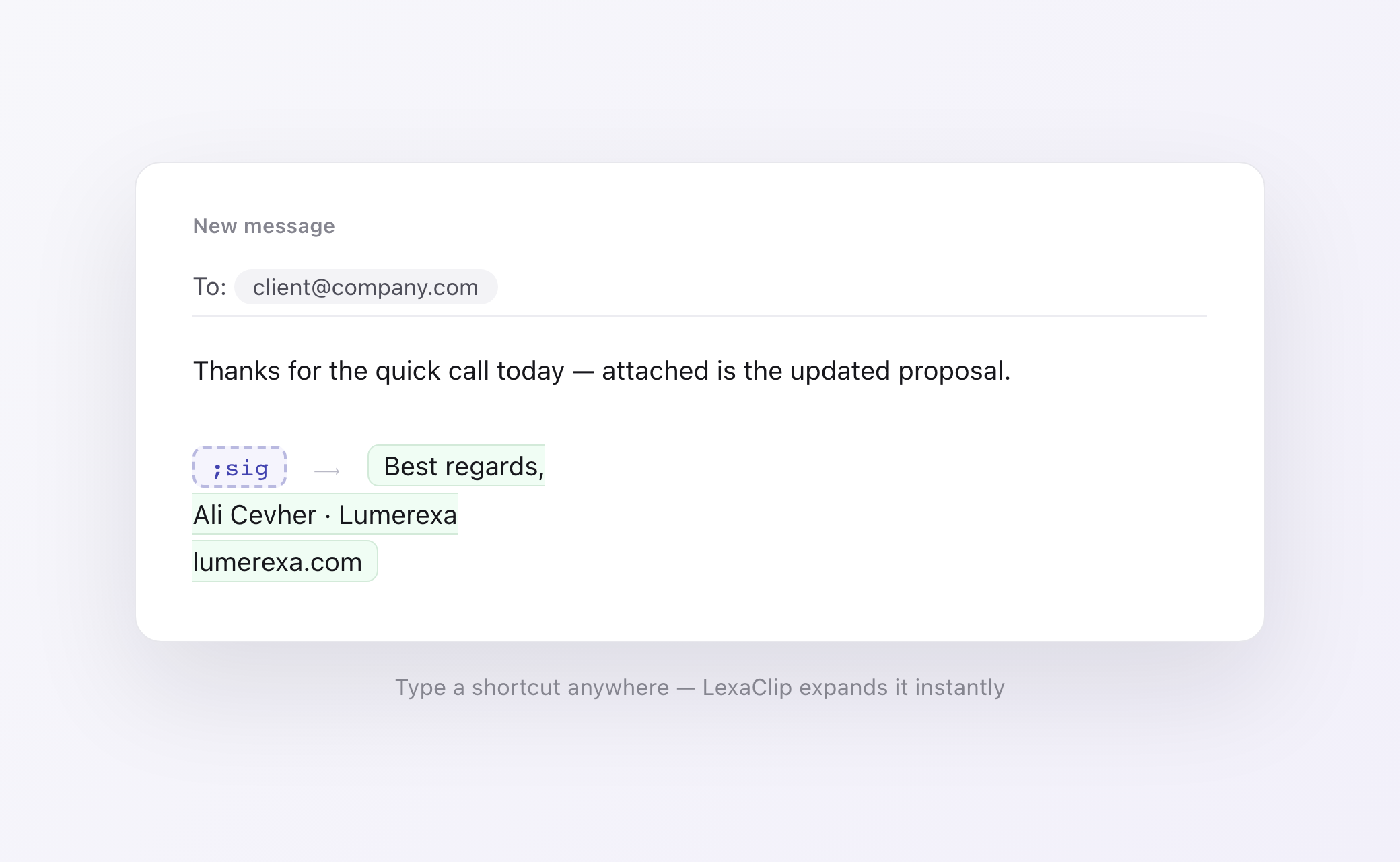
Snippets
Bind the text you type every day to shortcuts: type ;sig and your full signature appears, ;addr drops in your address — in any text field, on any site, even inside Gmail. Five snippets free, unlimited on Pro.
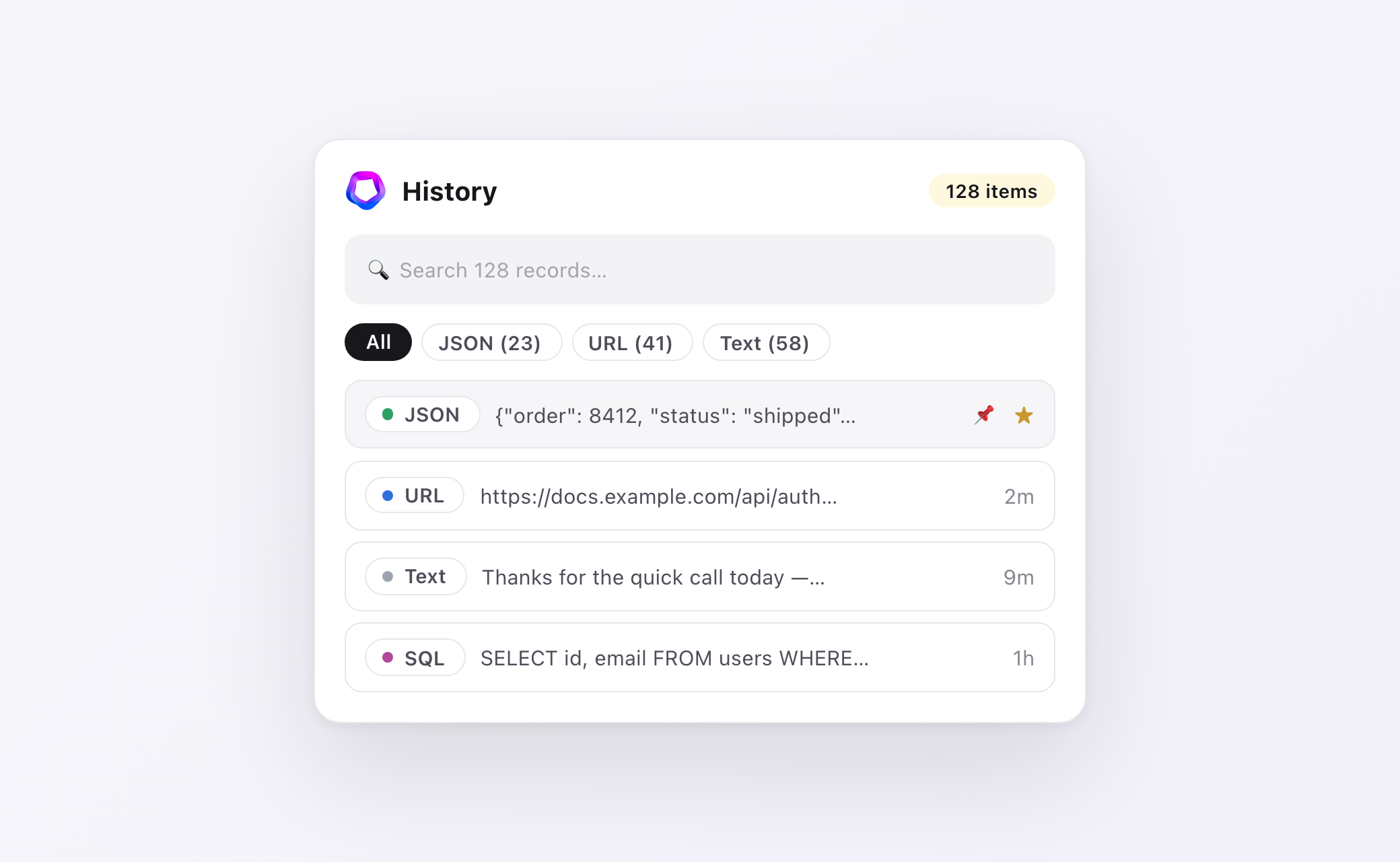
Clipboard History & Favorites
Everything you copy is saved locally with its detected type. Search the full text, filter by type, pin the items you never want to lose, star favorites for one-click reuse — and compare any two records side by side with a built-in diff.
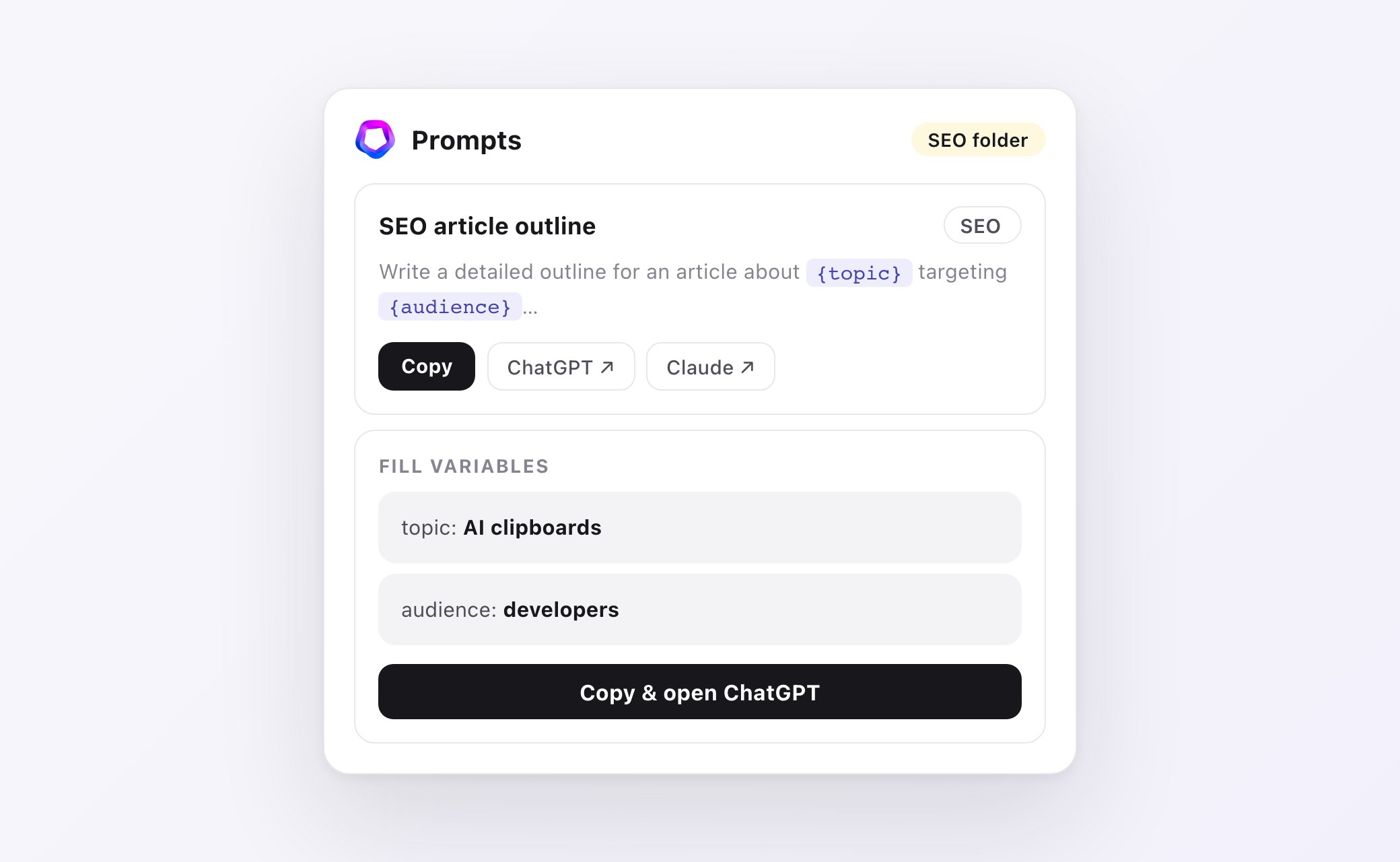
Prompt Library
Keep the prompts you reuse in ChatGPT, Claude or Cursor organized in folders. Add {variables} to any prompt, fill them in with a quick form, then copy — or jump straight into ChatGPT or Claude with the finished prompt on your clipboard.
Custom AI Actions
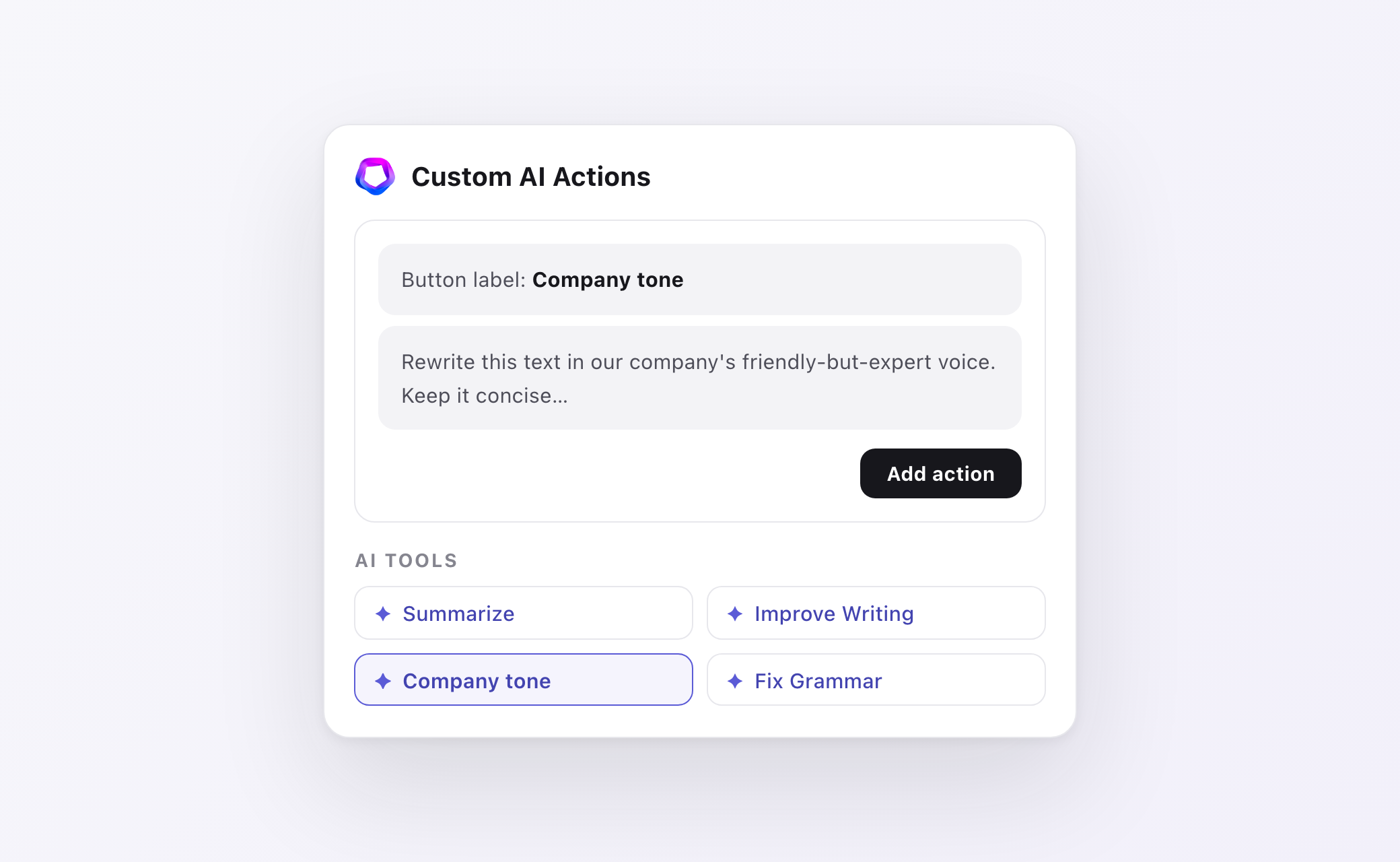
Turn your own prompt into a permanent one-click button. Write it once — "rewrite in our company voice", "translate to formal German" — and it appears alongside the built-in AI tools for every text you copy from then on.
Cloud Sync (Pro)
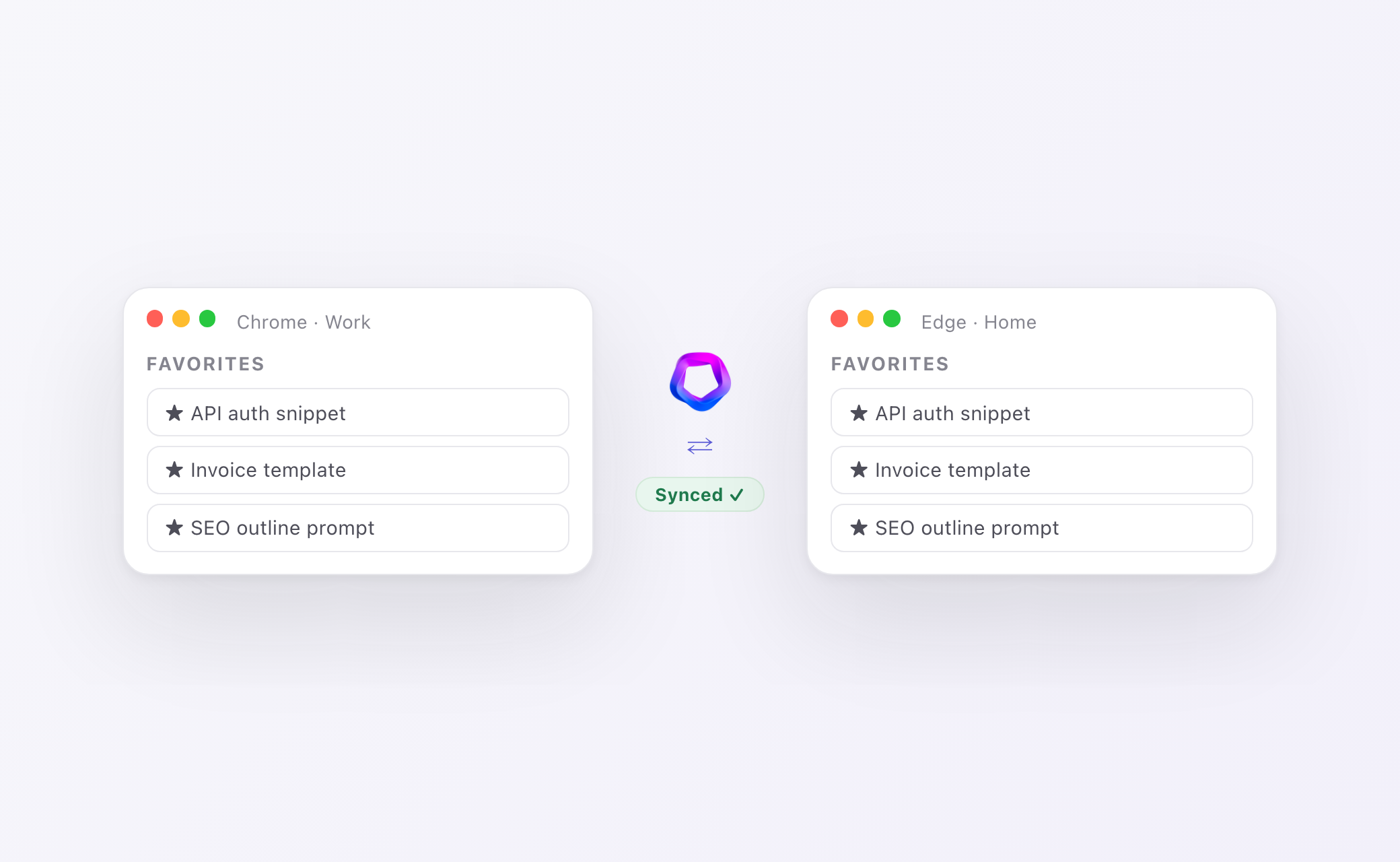
Press Sync and your favorites and prompt library follow you across browsers and computers — Chrome at work, Edge at home, always the same toolkit. Sync only runs when you ask it to, and your clipboard history never leaves the device.
Privacy & Controls
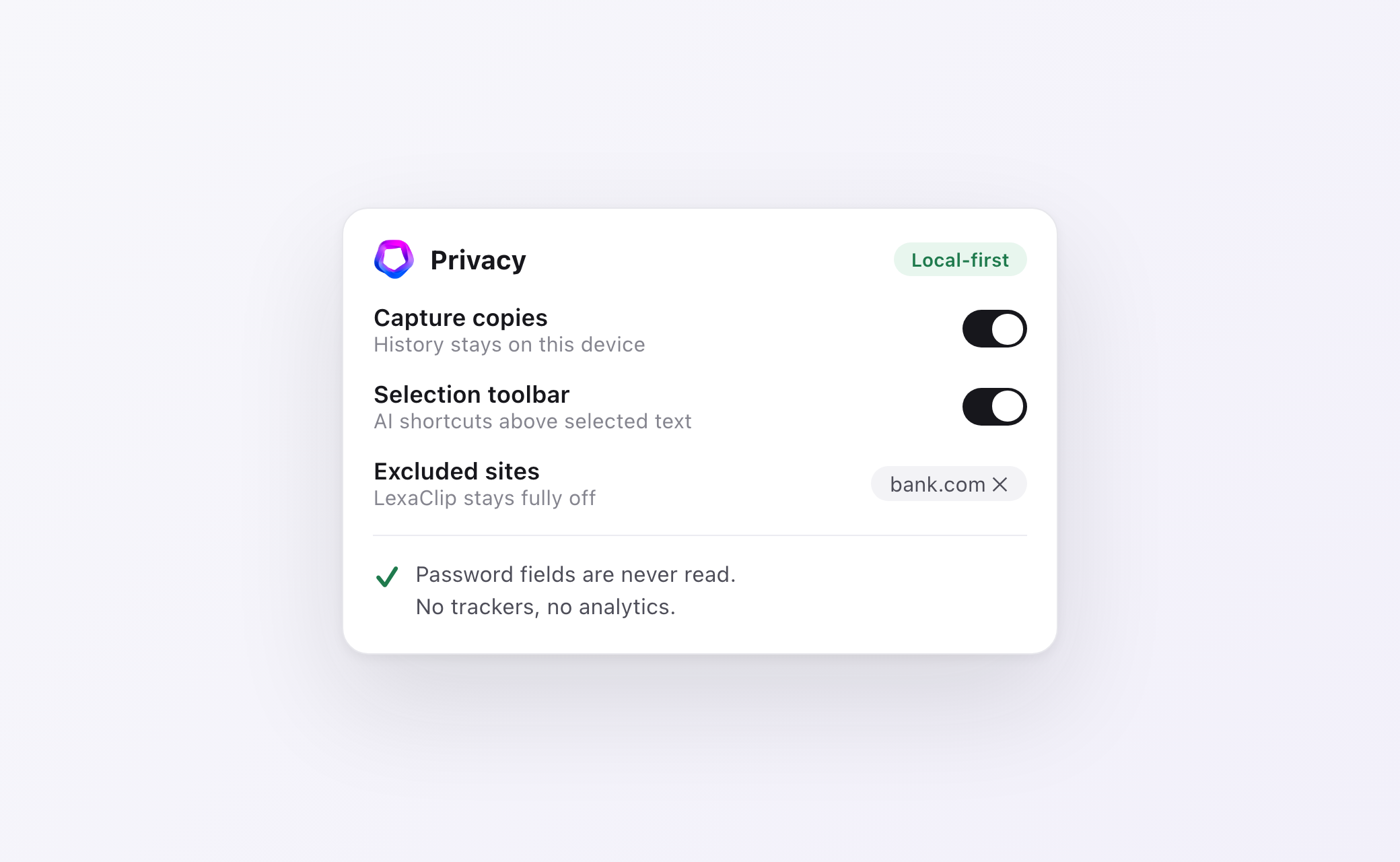
Local-first by design: history lives in your browser, password fields are never read, and there are zero trackers. Exclude any site completely, pause capture with one toggle, and know exactly when text leaves your device — only when you press an AI button.
Ready to upgrade your clipboard?
Installed in 30 seconds. You'll feel it on your very first copy.
Add to Chrome — Free